Small Business Phishing Protection You Can Put Into Practice
One rushed click can interrupt the business you’ve worked so hard to build. When you’re answering clients, managing payments, and balancing family responsibilities, a convincing message can catch you off guard.
Small business phishing protection starts with repeatable habits: secure your accounts, pause before sensitive requests, and give your team a clear reporting process. Small businesses don’t need a dedicated IT department for practical cyber security, so let’s focus on protections you can put into your everyday routine.
Key Takeaways
Protect your email first because it often controls access to your other business accounts. Use phishing-resistant multi-factor authentication where available, unique passwords, and secure recovery options.
Treat payment changes as a separate verification task. If something slips through, quick reporting and account recovery matter more than blame.
Recognize Phishing Across Every Channel
Phishing attacks use deceptive messages, including phishing emails, to steal information, money, or account access. Small businesses are common targets because they often have fewer cybersecurity resources and less support when something goes wrong.
Know How the Message Can Reach You
Email is only one route. Text-message phishing is called smishing, while deceptive phone calls are called vishing. Social media messages can impersonate platform support, customers, or business partners.
Spear phishing targets a particular person or company. A message might reference your services, a colleague, or a current project. Familiar details don’t make the request trustworthy.
Pause When These Warning Signs Appear
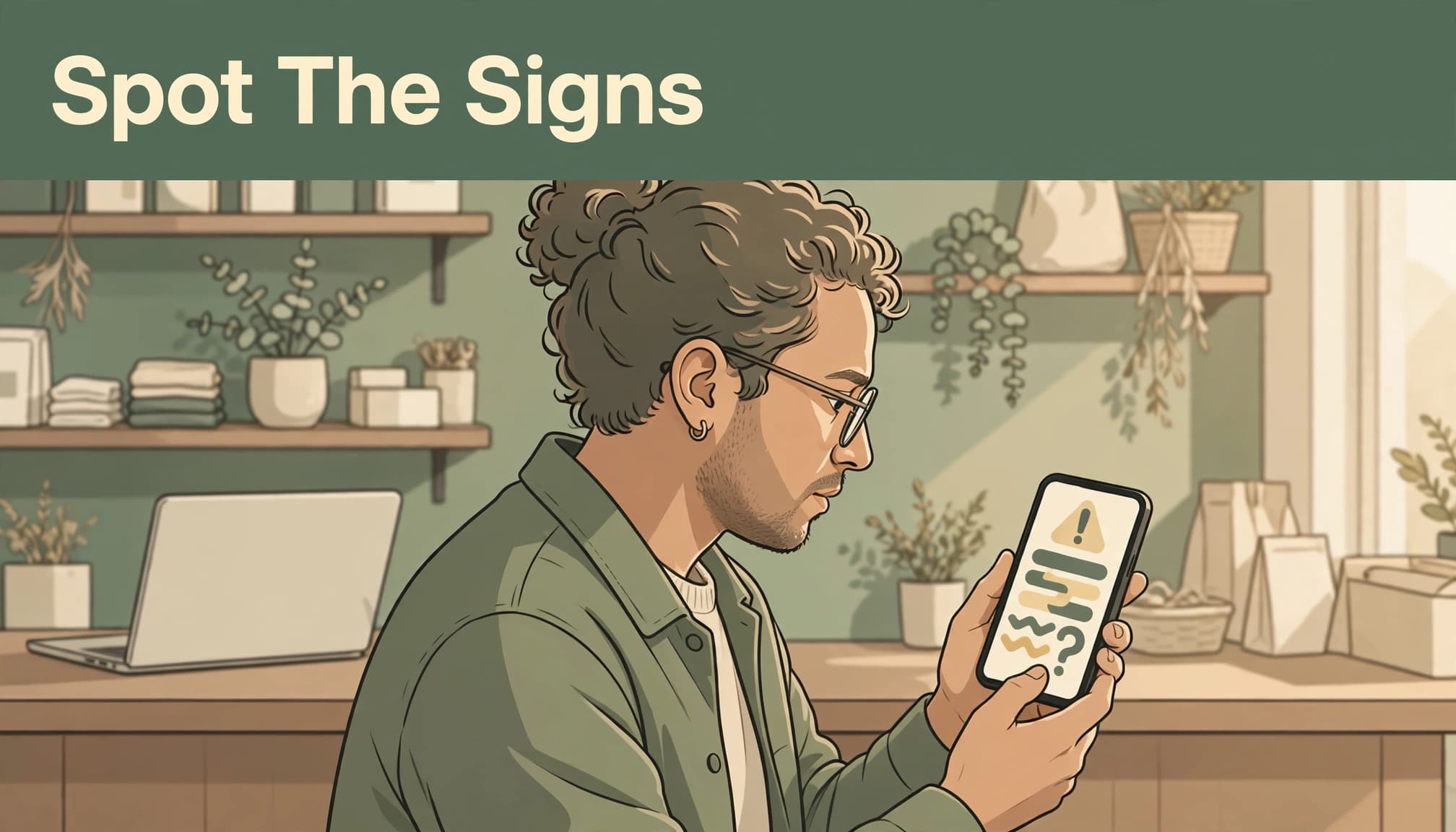
Watch for these phishing warning signs:
- Urgent language threatens account closure or demands immediate payment.
- A generic greeting appears in a message supposedly written for you.
- The sender’s actual email address doesn’t match the claimed organization.
- Links lead somewhere unexpected, or attachments arrive without context.
- Poor grammar or unusual requests ask for passwords, financial details, or verification codes.
Polished messages can be scams, too. Hover over desktop links without clicking to inspect the destination and examine the sender’s full domain.
The FTC’s phishing guidance recommends contacting the organization through a number or website you already know. Opening your saved bookmark is safer than following an unexpected login link.
Build Small Business Phishing Protection Around Your Logins
Start with business email, banking, your password manager, and administrator accounts. These deserve attention before less-sensitive tools.
Choose Phishing-Resistant MFA Where Available
Multi-factor authentication, or MFA, requires more than a password to sign in. Enable it wherever your business accounts offer it.
For stronger protection, choose FIDO2 security keys or passkeys where supported. These connect authentication to the legitimate website, so a lookalike login page can’t use them like a stolen password.
CISA’s phishing-resistant MFA guidance explains why this matters. Text codes and authenticator apps still improve protection, but attackers can trick people into sharing codes or approving unexpected prompts.
Never approve a login you didn’t initiate. Keep a securely stored backup authentication method so losing your phone doesn’t stop your business.
Let a Password Manager Handle Unique Passwords
Use a different password for every account, with at least 16 characters where supported. A password manager generates and stores them without adding another memory task to your day.
Bitwarden and 1Password offer business password-management tools. Choose one that supports separate user access and controlled sharing, rather than sending passwords through email or chat.
Protect the manager itself with MFA. Change exposed passwords immediately, including passwords reused elsewhere. Autofill refusing to recognize a website is another reason to pause, although it isn’t a guarantee that every threat will be caught.
Protect Account Recovery and Limit Access
Your recovery settings deserve the same care as your login settings. An attacker who controls your recovery email or phone number may be able to reset your password.
Secure Your Recovery Options
Protect recovery email accounts with unique passwords and MFA. Remove outdated phone numbers and addresses, and enable alerts for password resets and account changes.
Store backup codes somewhere protected and accessible during an outage, such as an encrypted vault or a securely stored printed copy. Don’t leave your only recovery instructions inside the account they unlock.
Keep a short account inventory showing the owner, administrator, recovery method, and emergency contact.
Give Each Person Only the Access Needed
Use individual accounts for employees and contractors. Grant access to the tools and records their work requires, then remove it promptly when that work ends.
Keep administrator accounts separate from everyday email accounts where practical. Review connected apps and remove integrations you no longer use.
These habits also protect your website, booking tools, and client forms. Our website security essentials include limiting access, updating software, and keeping sensitive financial information out of general contact forms.
Add Email Defenses Without Expecting Perfection
Technical protection supports your team. It doesn’t replace thoughtful decisions.
Start With Your Existing Email Settings
Enable spam and suspicious-message protection in your business email service. Turn on sign-in alerts and disable automatic forwarding to outside accounts unless your business needs it.
Set up SPF, DKIM, and DMARC for your sending domain. These help receiving systems identify authorized mail and reduce domain impersonation that can lead to phishing attacks. Your email administrator or IT provider can handle setup.
Keep browsers, operating systems, website plugins, and antivirus software updated. Updates can reduce exposure to malware and ransomware, but they can’t prevent every infection. On unsecured public Wi-Fi, use a trusted VPN. It protects the connection, but it doesn’t make a phishing website safe.
Choose Software for the Gaps You Have
Cloud-based anti-phishing software can supplement built-in email protections, but it can’t guarantee that every threat is blocked. Products such as Microsoft Defender for Office 365 and Proofpoint Essentials offer additional email protections.
When assessing anti-phishing software, look for sender-IP and reputation checks, link and attachment scanning, and quarantine controls.
Administrators can review incorrectly quarantined messages and create narrow allow entries. Avoid broad exceptions that bypass useful protection.
For a small team, prioritize included security features before buying overlapping subscriptions. Cloud hosting removes the need for an on-site filtering server, but configuration and employee awareness still matter.
Make Payment Changes a Phone Conversation
Business email compromise, or BEC, can involve impersonation or a genuine account takeover. When an attacker controls a real employee or vendor mailbox, messages can arrive from a legitimate domain.
The FBI’s business email compromise guidance describes fraudulent requests that appear to come from familiar sources. A genuine sender address alone won’t prove that a payment request is safe.
A common payment-redirection pattern is an invoice conversation followed by a request to use new bank details. The invoice may look familiar, while the payment destination belongs to the attacker.
Call the vendor using the number already in your records. Don’t use a new number supplied in the message.
Verify the bank-detail change itself, even when the invoice, sender address, and existing email conversation look legitimate.
Use dual approval for wire transfers. One person verifies the request; another authorizes payment.
For internal requests with urgent language, call the person or message them through your established chat account. Make this a normal business rule, including requests that appear to come from you.
Train Your Team With Encouragement and Practice
People report mistakes sooner when they expect support. Give your team permission to pause, question a request, and ask for help.
Teach One Clear Reporting Routine
Choose one reporting destination, such as your email service’s report-phishing button or a named manager reached through a separate channel.
Use employee training to explain what to include: when the message arrived, whether they clicked, what they entered, and whether they downloaded anything. Nobody should investigate a suspicious attachment themselves.
Give employees a simple response they can use with customers and vendors: “Our policy requires a phone confirmation before we change payment details.”
Keep Drills Short and Useful
Include security awareness training in onboarding. Keep security awareness training short, with a five-minute monthly discussion and a quarterly practice drill as manageable starting habits.
Review a safely displayed screenshot with links disabled. Ask what needs verification and how the employee would report it.
If you run a phishing simulation, use an authorized training tool that doesn’t collect real passwords. Review the phishing simulation results privately and improve the process. Public embarrassment makes reporting harder.
Your First-Hour Response to Suspected Compromise
If someone clicks, shares a password, or approves an unexpected login, respond promptly. You can take these steps even without an in-house security team.
- Stop interacting with the message or website. Record what happened and notify your designated contact through a separate, trusted channel. If you suspect malware or money moved, call the bank’s fraud team immediately.
- Disconnect the device from Wi-Fi, Ethernet, and VPN if a download ran or malware is suspected. Ask a security professional to assess it before reconnecting.
- Use a trusted device to change exposed passwords. Recover locked accounts through the provider’s established recovery process and secure the linked recovery email.
- Revoke active sessions. Remove unfamiliar MFA methods, forwarding rules, delegated access, and connected apps. A password change alone may leave these routes open.
- Preserve messages, screenshots, timestamps, transaction details, and any files that could help assess malware. Warn affected customers or vendors through a known communication channel if your account sent fraudulent requests.
- Report the incident. In the US, report financial fraud to the FBI’s Internet Crime Complaint Center and forward phishing emails to [email protected] through APWG’s reporting service.
Canadian businesses can report to the Canadian Anti-Fraud Centre at 1-888-495-8501. Its business fraud guidance covers payment redirection and account-related threats.
Keep these instructions, provider contacts, and a client-update template in your business continuity plan. Maintain a protected copy outside your main email account.
Frequently Asked Questions
Does Clicking a Phishing Link Always Mean an Account Was Stolen?
A click alone doesn’t prove account takeover. Sharing credentials, approving a login, or running a malicious download creates greater risk. Report the click anyway so someone can assess what happened and decide whether account or device recovery is needed.
Can Email Filters Catch Messages From a Compromised Account?
Sometimes, but a real account and ordinary-looking message can avoid obvious warning signs. Keep payment verification, account alerts, and staff reporting in place even when filtering is enabled. Each protects a different part of your business.
Protect Your Business With Habits You Can Repeat
You have enough responsibilities without carrying every security decision in your head. Small business phishing protection becomes more manageable when safe habits are part of the routine.
Start with secure email access and a firm payment-verification rule. Then document recovery steps and practice reporting with your team. Consistent action helps protect your work, your clients, and the business you’re building.