
Business Continuity Plan for a One-Person Business
When you are the business, a sick day, a broken laptop, a family emergency, or a power outage can bring everything to a stop. A business continuity plan gives you a simple way to protect your income, your clients, and your peace of mind when life gets unpredictable.
You do not need a corporate binder or a big budget. You need clear information, backup options, and a plan your business can follow even when you are unavailable.
Start small, keep it practical, and build a plan that supports the life and business you are working hard to create.
Key Takeaways
- A continuity plan identifies what could interrupt your work and what must keep moving.
- Your plan needs a minimum-service option for days when you cannot work at full capacity.
- Store client contacts, financial records, passwords, insurance information, and key procedures in secure places.
- Set up simple communication templates before you need them.
- Review your plan each year, and update it whenever your business changes.
Start With the Disruptions Most Likely to Affect You
A business interruption is not always a major storm or a fire. For a one-person business, it can be a child home sick from school, a hospital stay, a lost phone, a hacked email account, or internet service that will not cooperate.
The goal is not to prepare for every possible problem. It is to prepare for the situations that could stop your business first.

Write Down Your Real Risks
Grab a notebook and think about your normal workweek. What do you need to deliver your services, take payments, answer clients, and complete orders?
Your list may include:
- A health issue or family emergency that keeps you away from work.
- A laptop failure, lost phone, or home internet outage.
- A power outage, water damage, storm, or unsafe home-office space.
- A cyberattack, compromised account, or deleted client files.
- A delayed vendor, unavailable manufacturer, or shipping disruption.
The Ready Business Hurricane Toolkit offers FEMA-backed continuity planning ideas, even if hurricanes are not your biggest concern. Its core message still applies: know what you need, document your next steps, and keep key details accessible.
Define Your Minimum Business Day
Your business does not have to operate at full speed during a disruption. It does need a minimum version that protects trust and avoids unnecessary financial damage.
For a virtual assistant, that might mean replying to urgent client emails once a day and pausing non-urgent projects. For an online shop, it may mean updating order processing times and pausing promotions. For a consultant, it could mean rescheduling meetings while sending clients a clear status update.
This is where a minimum viable business plan can help. Decide what is enough for a hard week. One offer. One communication channel. One small action that keeps clients informed.
Your continuity plan is not a promise that nothing will go wrong. It is your plan for responding with care when it does.
Build a Business Continuity Plan You Can Use
Your plan should fit on one or two pages. If it is too complicated, you will not reach for it when you need it.
Create a document in Google Drive, Dropbox, OneDrive, or another secure cloud folder. Print a copy, too. Keep it somewhere safe, along with your important personal documents.
List What Your Business Cannot Run Without
Start with the people, tools, records, and systems that keep your business open.
| Business area | What to record | Backup option |
|---|---|---|
| Clients | Names, email addresses, phone numbers, current projects | Secure cloud contact list and printed emergency list |
| Technology | Laptop, phone, internet, software, passwords | Spare charger, hotspot, backup device, password manager |
| Payments | Bank, invoicing tool, payment processor | Backup payment method and current account details |
| Records | Contracts, invoices, tax files, insurance policies | Encrypted cloud folder and external drive |
| Suppliers | Printers, shippers, manufacturers, freelancers | At least one alternate provider |
Keep personal information protected. Your emergency contact list does not need full client notes or sensitive data. It only needs enough information for you, or a trusted person, to send the right message.
QuickBooks also recommends keeping physical and cloud-based copies of insurance policies, emergency contacts, and recovery procedures in its business continuity planning guidance.
Name a Trusted Backup Contact
A backup contact does not have to run your business. She may only need permission to send a message, share a pre-written update, or let a client know you are unavailable.
Choose someone who is dependable and comfortable with basic communication. It may be your spouse, adult child, close friend, business bestie, or attorney.
Give that person clear boundaries. They should not access your bank account, client files, or passwords unless there is a real need and you have legal safeguards in place. Their job may be as simple as using a prepared email template and directing urgent questions to a temporary contact.
Protect Your Technology, Files, and Remote Work Setup
Your laptop is not your whole business, but it may hold far too much of it. A continuity plan should make it possible to work from another location or recover your files if your main device disappears.
Back Up More Than Your Computer
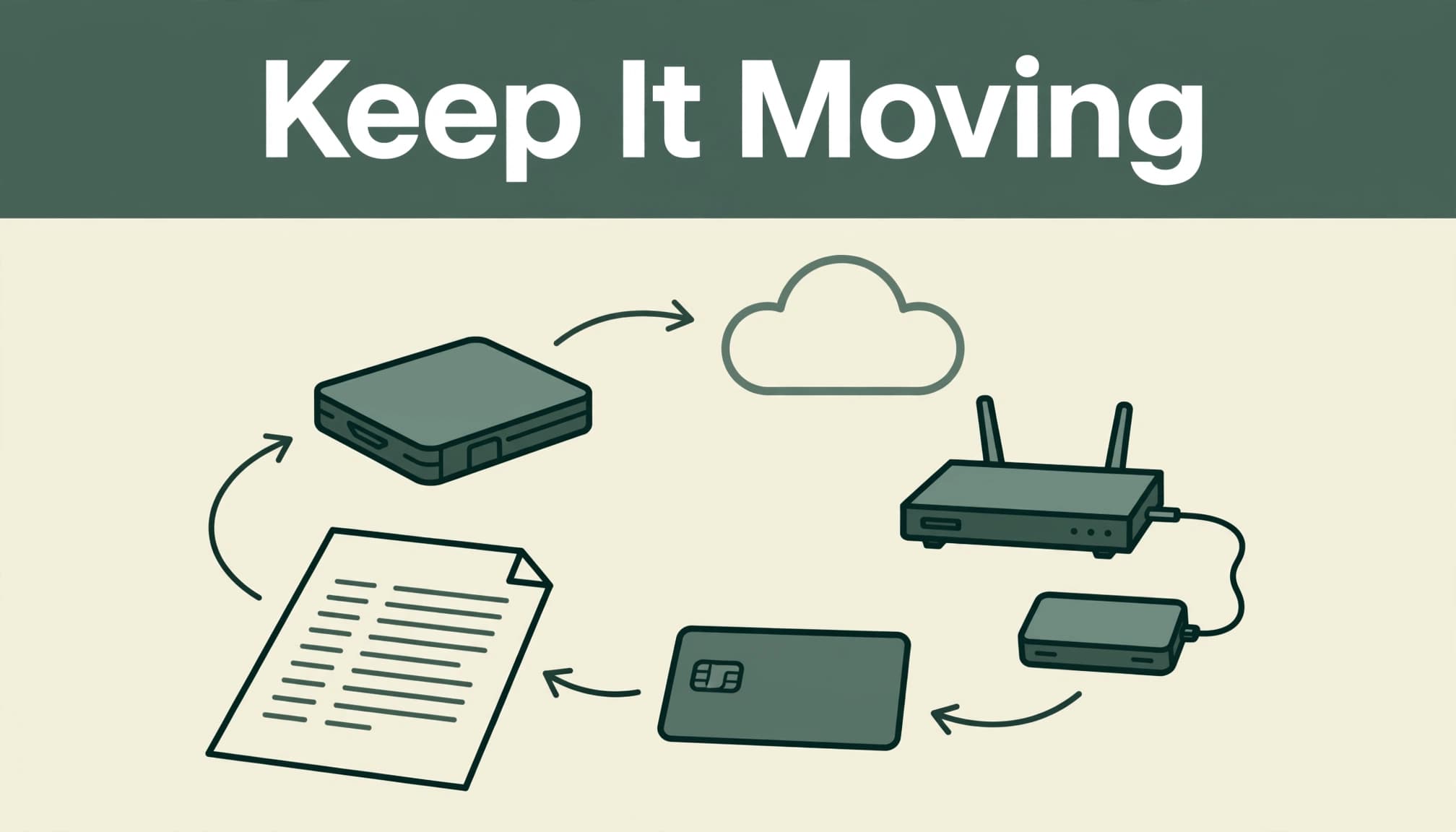
Use a simple version of the 3-2-1 backup approach: keep three copies of important files, on two types of storage, with one copy stored away from your home.
For example, your working files may live on your laptop. A second copy can sync to a cloud storage account. A third copy can live on an encrypted external drive stored in a safe place.
Back up contracts, invoices, tax documents, client deliverables, photos, product files, email lists, and standard operating procedures. Then test your backup. Open a few files from the cloud and your external drive. A backup is only helpful if you can restore it.
Create a Low-Cost Remote Work Option
Think through where you would work if your home office became unavailable for two days or two weeks. A library, coworking space, relative’s home, hotel, or quiet coffee shop may work for short-term needs.
Keep a small grab-and-go kit with a charger, power bank, headphones, paper client list, external drive, and any medication or personal items you may need. If your work depends on internet access, know how to use your phone as a hotspot and keep your login details secure.
Use multifactor authentication on your email, payment apps, cloud storage, and social media accounts. A strong password manager is also a wise investment when your business lives online.
Create Client Communication Before You Need It
Silence creates worry. Clients do not need every detail of your personal situation, but they do deserve timely, respectful information about how their work will be affected.
Prepare short messages now, when you can think clearly.
Choose Your Main Communication Channels
Pick two places you can update quickly. Email and your website are usually strong choices. If your business gets regular inquiries through Instagram, Facebook, or LinkedIn, include one social channel too.
Keep the message simple: you are temporarily unavailable, you have received their message, and you will share the next update by a certain date. Do not promise a delivery date you cannot meet.
For ongoing visibility without being online all day, use a sustainable social media strategy that includes scheduled content and clear response boundaries.
Save Three Ready-to-Send Templates
Create templates for a temporary absence, a delayed project, and a service interruption. Here is a simple client update:
“Thank you for your patience. I am handling a temporary business interruption and will respond to your message by Friday. Current project timelines may shift, and I will contact affected clients directly with updates.”
A product-based business can add updated order timelines to its website banner, product listings, and order confirmation emails. A service provider can pause booking links until she knows her real availability.
Clear communication protects your reputation better than pretending everything is fine.
Keep Cash, Coverage, and Vendors in the Plan
A disruption can become more stressful when money is tight or an important vendor disappears. Your plan should include a few financial details that help you make calm decisions.
Protect Your Financial Access
Use a dedicated business bank account and keep a current list of recurring bills, subscription renewals, loan payments, payment processors, and tax deadlines. Save recent bank statements and accounting reports in your secure records folder.
Set aside a small cash buffer as your finances allow. Even a modest reserve can cover software, phone service, shipping supplies, or an unexpected replacement charger while you regroup.
Give yourself a weekly money check-in. A three-priority weekly planning system can help you protect income tasks, business maintenance, and personal energy at the same time.
Review Insurance and Backup Vendors
Homeowners or renters insurance may not fully cover the work you do from home. Business property, client injuries, professional mistakes, inventory, cyber incidents, and lost income can have different coverage rules.
Ask your insurance professional direct questions about your exact services, equipment, home-office setup, vehicle use, and client contracts. If a covered event stops you from working, ask whether business interruption coverage applies, what the waiting period is, and whether off-site work affects the claim.
The National Association of Insurance Commissioners discussed the enormous scale of COVID-19 business-interruption losses in its business interruption insurance report. Coverage still depends on your policy language and the cause of the loss.
Also list at least one backup vendor for printing, shipping, web hosting, manufacturing, supplies, or freelance support. Spokane City’s Small Business Resiliency Guide includes both communication planning and backup suppliers for good reason. One vendor should not hold your whole business hostage.
Test Your Plan and Keep It Current
A plan you never review becomes another forgotten file. Put a 30-minute continuity check on your calendar once a quarter, then do a fuller review each year around your tax and financial planning routine.
Run a Short Practice Drill
Pretend your laptop will not turn on tomorrow morning. Can you access client contacts from another device? Can you log into your email? Do you know where your latest contracts and invoices are stored?
Next, pretend you cannot work for five business days. Read your client message out loud. Look at your calendar. Decide which projects need attention first.
You are not looking for perfection. You are looking for weak spots while you still have time to fix them.
Update It When Your Business Changes
Review your business continuity plan when you add a new service, upgrade equipment, bring on a contractor, stock more inventory, sign larger client contracts, or begin using your car for regular business errands.
Update your insurance review at the same time. Your revenue, equipment, client visits, services, and home-office needs may look very different a year from now.
Frequently Asked Questions
Is homeowners insurance enough for a home-based business?
Usually, it is not a complete substitute for business coverage. Personal policies may offer limited coverage for business property, while business liability, inventory, professional services, or income loss may be excluded or have low limits.
Ask your insurer whether your current policy covers your exact business activity. Get the answer, exclusions, limits, and deductible details in writing.
What if I am too sick or unavailable to communicate with clients?
Choose a trusted backup contact and give them pre-written messages, a list of active clients, and instructions on when to send updates. They do not need access to every part of your business.
Their role is to communicate a temporary pause with kindness and protect client relationships until you can return or arrange more support.
How often should I update my plan?
Review it at least once a year and after major business changes. A quick quarterly check is also helpful for confirming that your phone numbers, passwords, subscriptions, vendors, backups, and insurance documents are still current.
Build a Business That Can Breathe
A business continuity plan gives your one-person business room to breathe when life interrupts your usual routine. It helps you protect your clients, care for your family, and make decisions without panic.
You do not have to build it all today. Start with one page, one backup, and one clear client message. Small systems create steady support when you need it most.