
Smart Ways to Protect and Extend the Life of Your Devices

Your smartphone, tablet, and laptop are essential tools for managing schedules, running a business, and keeping up with family. When they slow down or break, it can completely throw off your day. Taking a proactive approach to protecting your technology not only makes it last longer but also saves you time, money, and unnecessary stress. Here’s a smart guide to keeping your devices in top shape.
Essential Habits for Device Longevity
It’s tempting to leave your phone plugged in overnight, but keeping a battery at 100% for too long can degrade it over time. This might mean you need a phone repair sooner than you’d like. Try to be mindful of your charging routine. Aim to keep the charge between 20% and 80% for the best battery health.
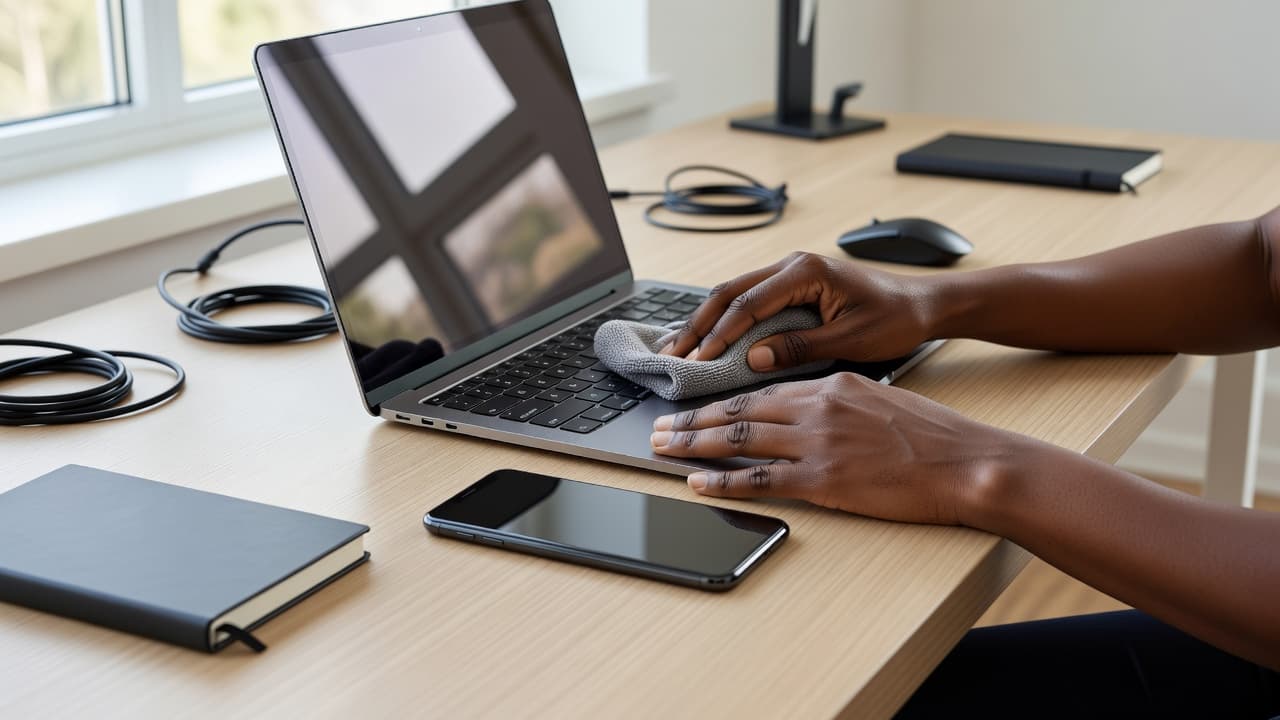
Keeping your devices physically clean is another simple but effective habit. Use a microfiber cloth to wipe away fingerprints and smudges from screens. For keyboards and charging ports, a can of compressed air can gently clear out dust and debris that might cause connection problems. Finally, don’t underestimate how much a simple restart can help. Rebooting your phone or computer once a week can clear its memory and fix minor glitches, helping it run smoothly.
Choosing the Right Protection
Physical protection is your best defense against drops, spills, and scratches. A good case and screen protector are investments you shouldn’t skip. When picking a case, think about your lifestyle. If you have young kids or are always on the go, a rugged, shock-absorbent case might be best. For a quieter environment, a slimmer case or one that holds your cards could be more convenient.
Screen protectors are just as important. Tempered glass protectors offer much better defense against cracks than plastic films and feel more like your device’s original screen. A cracked screen is one of the most common and costly repairs, but a $15 screen protector can often prevent that damage entirely. It’s one of the easiest and most affordable ways to protect your tech.
Quick Fixes for Common Tech Woes
Even with the best care, devices can still act up. Before you panic, there are a few quick fixes you can try for common issues. If your phone or laptop is running slowly, it might be a storage problem. Try clearing your browser cache, deleting unused apps, and moving photos and videos to cloud storage or an external drive.
Poor battery life is another frequent complaint. Check your device’s battery settings to see which apps are using the most power. You can often improve performance by reducing screen brightness, turning off location services for apps you don’t need them for, or disabling background app refresh. However, some problems, like a shattered screen or a faulty charging port, are beyond a simple fix. For physical damage, it’s always best to get professional phone repair to make sure it’s handled correctly and safely.
When Professional Help Matters
Knowing when to call in an expert is just as important as knowing how to do a quick fix. Trying a complex repair yourself can often lead to bigger, more expensive problems. Water damage is a good example. The popular “bag of rice” trick is mostly a myth and can leave behind starchy dust that causes corrosion. A professional can properly open the device, clean the internal parts, and check the damage.
Other issues that need professional attention include battery replacements for modern, sealed devices and software problems that don’t go away after a factory reset. If your device won’t turn on, gets stuck in a boot loop, or has a malfunctioning port, a trained technician has the tools and expertise to find and fix the root cause without risking further harm.

Safeguarding Your Digital Life
Protecting your devices isn’t just about their physical condition; it also means securing your personal information. Start by making your passwords stronger. Use a unique, complex password for every account and think about using a password manager to keep them organized. Turning on two-factor authentication (2FA) adds a critical layer of security that stops unauthorized access even if someone steals your password. It’s one of the most effective essential tips for device security you can implement.
Regularly check the privacy settings on your apps and social media accounts to control what information you share. If you often work from cafes or airports, be careful when using public Wi-Fi. These networks are often unsecured, making it easier for others to see your activity. When you need to access sensitive information on the go, learning how to protect your privacy with a VPN (Virtual Private Network) can help encrypt your connection.
Incorporating these habits into your routine helps you keep your technology running efficiently and your digital life secure, freeing you up to focus on what truly matters.