
Top Family Tracking Apps for Real-Time Location Updates

Most parents don’t realize how much variation exists between family tracking apps until they’re staring at a drained battery and a 20-minute location delay during an emergency. The real challenges go way beyond “does it show a dot on a map” and into GPS accuracy in dead zones, battery drain on kids’ devices, and the tricky balance between keeping teens safe without making them feel watched. After reviewing dozens of options across user ratings, feature depth, and real-world performance, this guide breaks down the five strongest choices available today.
How this ranking was put together
Each option was assessed using publicly available data pulled from official product pages, verified user reviews, app store ratings, and third-party directories. Only apps with a documented track record in mobile safety made the cut. Newer or unverified tools were excluded regardless of marketing claims.
→ See the full research breakdown
- iSharing – Best for family location sharing and real-time safety monitoring
- Microsoft Family Safety – Best for family parental controls and device management
- FamiSafe – Best for family parental control and mobile device monitoring
- Glympse – Best for real-time location tracking and field operations visibility
- Apple Find My – Best for Apple device users and family location sharing
Why Family Tracking Apps Are Worth a Closer Look
Picking the right app in this space matters more than most people expect. GPS location update speed, geofence alert delivery accuracy, and server reliability aren’t just spec sheet numbers. They’re the difference between a parent getting an alert the moment their child leaves school and getting it 15 minutes later when it no longer helps.
The challenge is real. Balancing safety monitoring with a teenager’s need for privacy creates friction that the wrong app will make worse, not better. GPS dead zones in rural areas or dense buildings also expose the gaps between apps that claim real-time tracking and apps that actually deliver it.
Well-chosen tools handle this thoughtfully. They built in controls that families can customize, not just toggle on and off. And the best options maintain strong app performance and tight geofence alert accuracy, so the app performs exactly when it matters most.
Comparing the 5 Best Family Tracking Apps
Note: All data in this table is sourced from review platforms and the official websites of the listed companies.
| Company Name | Years Operating | Headquartered In | Rating |
| iSharing | Since 2010 | Irvine, CA | 4.60 (224,000+ reviews) |
| Microsoft Family Safety | Since 2006 | Cupertino, CA | Not publicly listed |
| FamiSafe | Part of Wondershare (1,200+ team) | Vancouver & Shenzhen | Award-winning (NPPA, Mom’s Choice) |
| Glympse | Since 2008 | Seattle, WA | Not publicly listed |
| Apple Find My | Since 2019 | Cupertino, CA | Not publicly listed |
1: iSharing – Best for Family Location Sharing and Real-Time Safety Monitoring
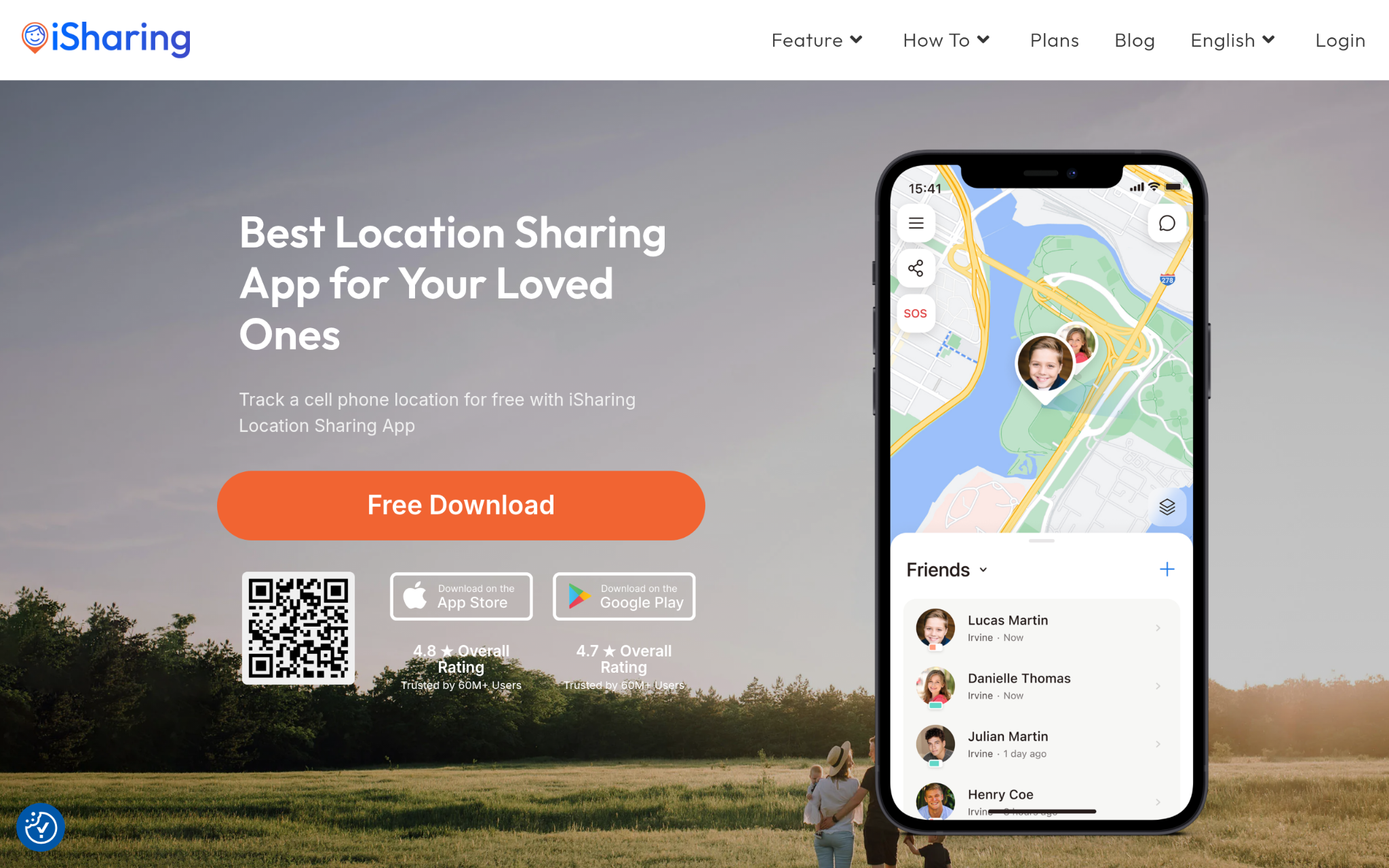
What services does iSharing offer?
Families looking for a solid, affordable way to stay connected will find that iSharing covers the important needs well. They built a platform around real-time GPS sharing, and their feature set reflects that focus: place alerts, location history, panic alerts, and driving reports all come standard. The app functions as a location tracking app free to download, which matters a lot for families who want to try before committing financially. With over 50 million downloads and a 4.60 rating from more than 224,000 reviews, the scale of real-world use here is hard to ignore.
Why Does iSharing Stand Out for Family Tracking Apps?
iSharing directly addresses the central tension in family tracking: delivering real-time location accuracy without an expensive subscription wall blocking access to the safety features that actually matter. From what the reviews show consistently, users trust the panic alert and emergency communication tools most, which is exactly where reliable performance counts.
What Users Are Actually Saying:
The review patterns point clearly toward two things people keep coming back to: GPS accuracy and how affordable the app feels compared to competitors. Honestly, for a free app with this much functionality, a 4.60 rating across 224,000 reviews says a lot about sustained satisfaction. Users also mention the interface being easy to get around, which isn’t always the case in this category.
2: Microsoft Family Safety – Best for Family Parental Controls and Device Management
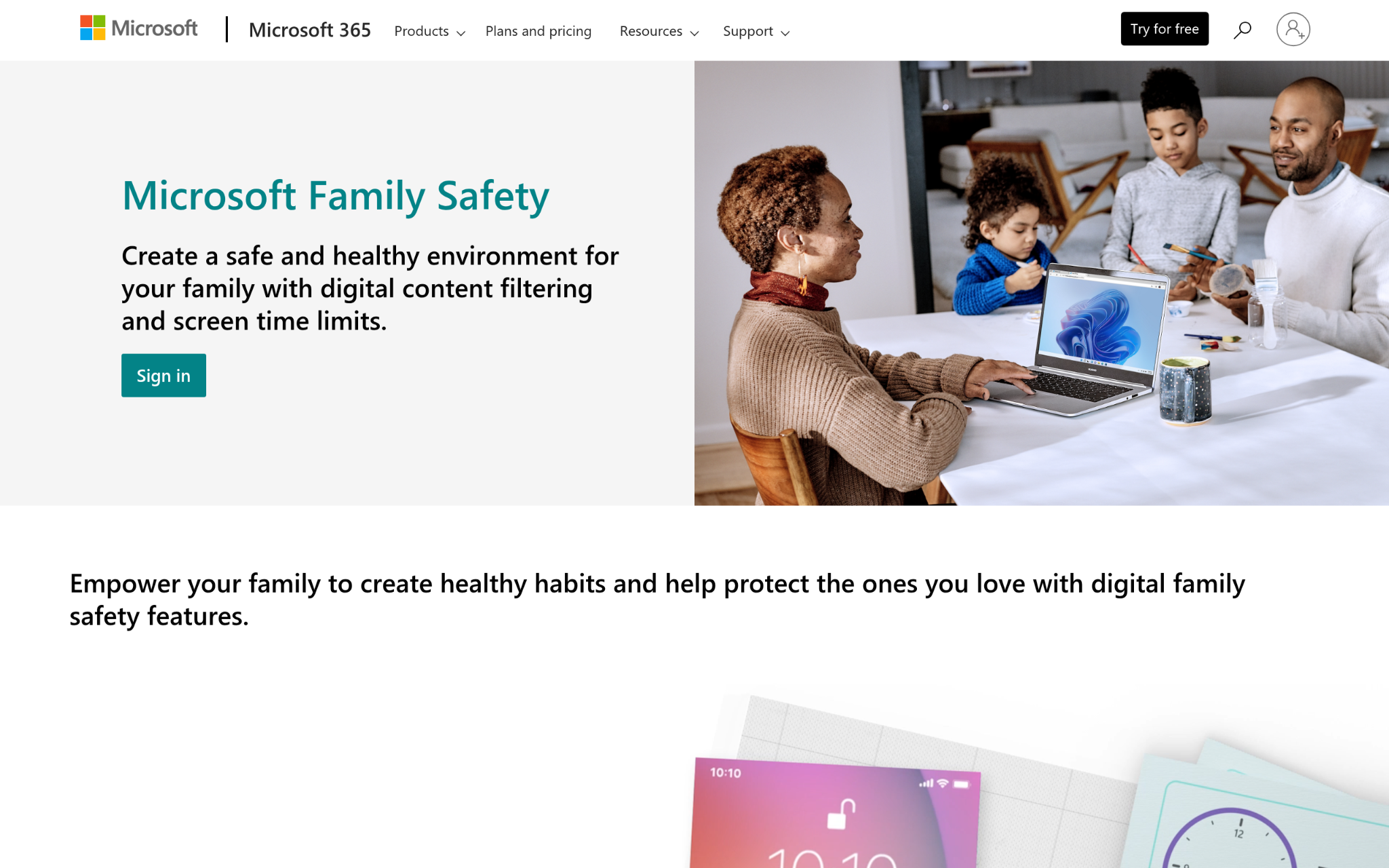
What services does Microsoft Family Safety offer?
Microsoft Family Safety covers the full parental control stack: content filtering, device and app time limits, web search filters, location sharing, and Drive Safety monitoring for teen drivers. What sets it apart from standalone tracking apps is its system-level integration with Windows 11, which means it captures activity across native apps, installed programs, and browsing, not just a single device type. It works across Android, iOS, Xbox, and Windows, which gives families running multiple device types a single place to manage everything.
Why Does Microsoft Family Safety Stand Out for Family Tracking Apps?
For families already inside the Microsoft ecosystem, the cross-platform reach here is genuinely hard to match. System-level filtering goes deeper than anything an app-layer-only tool can reach. That kind of built-in access to Windows, Xbox, and mobile activity gives parents a fuller picture of what their kids are actually doing.
What Users Are Actually Saying:
The standout appeal for most users is that it’s completely free and still covers location sharing, screen time, and content controls in one place. Families with Windows households get the most out of it since the deeper connections only kick in when Microsoft devices are in the mix. Reviews tend to feature the Drive Safety feature for teen drivers as a particularly useful addition.
3: FamiSafe – Best for Family Parental Control and Mobile Device Monitoring
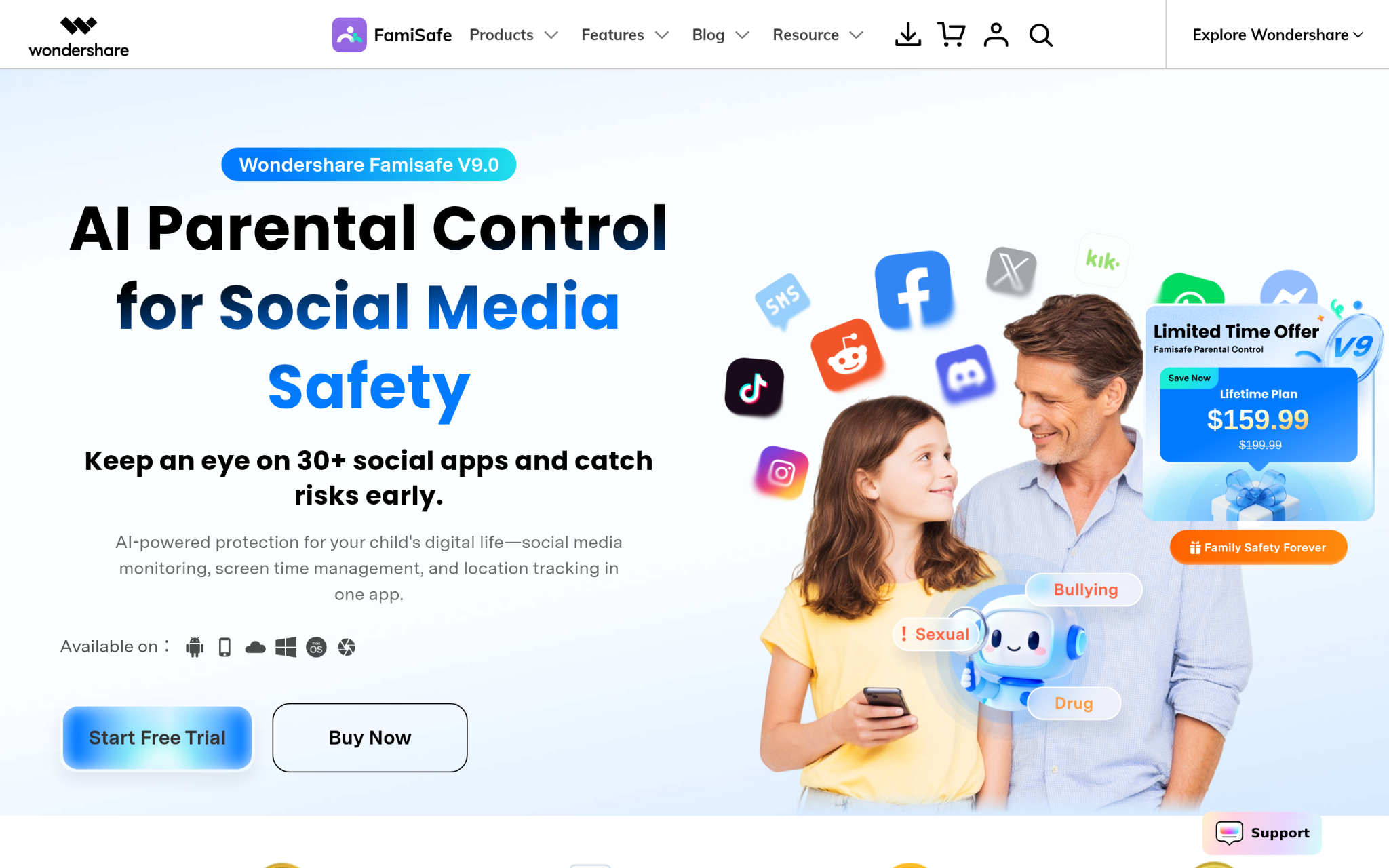
What services does FamiSafe offer?
FamiSafe, built by Wondershare Technology, goes further than simple location tracking by layering in intelligent content detection across 30+ social media apps. Their feature list covers real-time location tracking, browsing history monitoring, website filtering, call and message monitoring, and live screen capture. The $59.99 annual plan supports up to 30 devices, which makes it a strong pick for larger families. With 35 million families and 9 million customers across 190 countries, the reach here reflects genuine trust at scale.
Why Does FamiSafe Stand Out for Family Tracking Apps?
FamiSafe solves a gap that pure location-sharing apps don’t touch, which is the social media monitoring problem that most parents are quietly more worried about. The intelligent detection across 30+ platforms means parents aren’t just tracking where their child is physically but also getting alerts about what their child is being exposed to online.
What Users Are Actually Saying:
Industry recognition from the National Parenting Product Awards, Mom’s Choice Awards, and Parents’ Picks Awards 2024 gives this one real credibility (that kind of third-party validation is rare in this space). Users who stick with it tend to appreciate the multi-device value, especially given the price point. The live screen capture feature draws mixed reactions, with some parents finding it reassuring and others noting it feels like a lot of visibility for older teens.
4: Glympse – Best for Real-Time Location Tracking and Field Operations Visibility
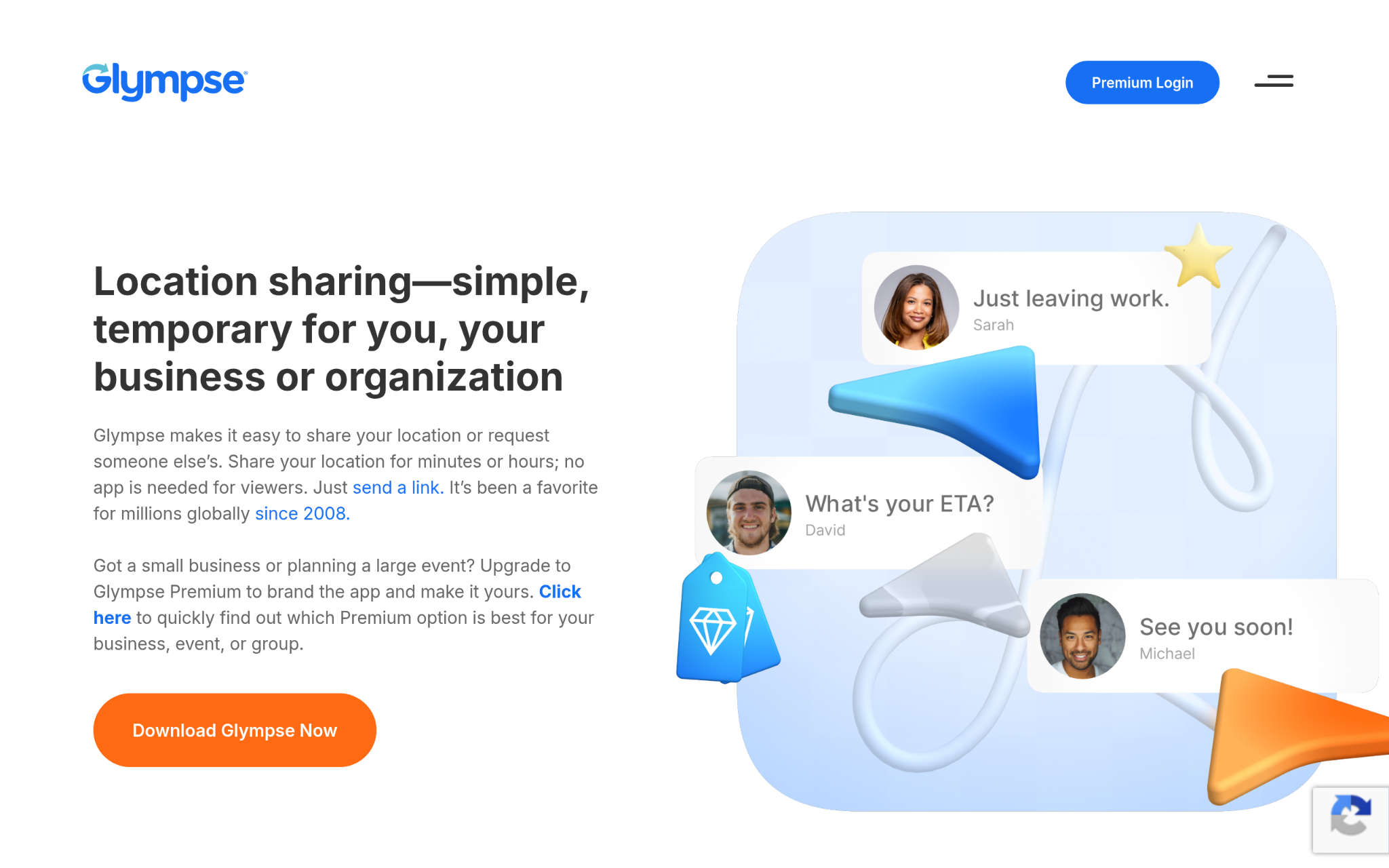
What services does Glympse offer?
Glympse has been in the location-sharing space since 2008 and built its platform around temporary, real-time location sharing with a strong privacy commitment (user data is never sold). They operate across 135+ countries and support 46+ languages, with product tiers running from a free consumer app to Glympse PRO for small businesses and Glympse En Route for enterprise deployments. Their SOC 2 Type II certification puts them in a different security tier than most consumer apps in this category.
Why Does Glympse Stand Out for Family Tracking Apps?
Glympse takes a privacy-first angle that most family tracking apps haven’t fully committed to, building their entire model around temporary sharing where users stay in control of when and how long their location is visible. That approach reduces the “always being watched” friction that tends to drive teenage resistance to location sharing.
What Users Are Actually Saying:
Among the five apps here, Glympse is the most enterprise-tested, with documented results showing it reduced customer care calls by 21-68% for business clients. For family use, that operational reliability translates into consistent real-time performance. And for parents who want a privacy-respecting pick that doesn’t feel like surveillance software, Glympse’s temporary sharing model tends to get positive reactions from families with older teens.
5: Apple Find My – Best for Apple Device Users and Family Location Sharing
What services does Apple Find My offer?
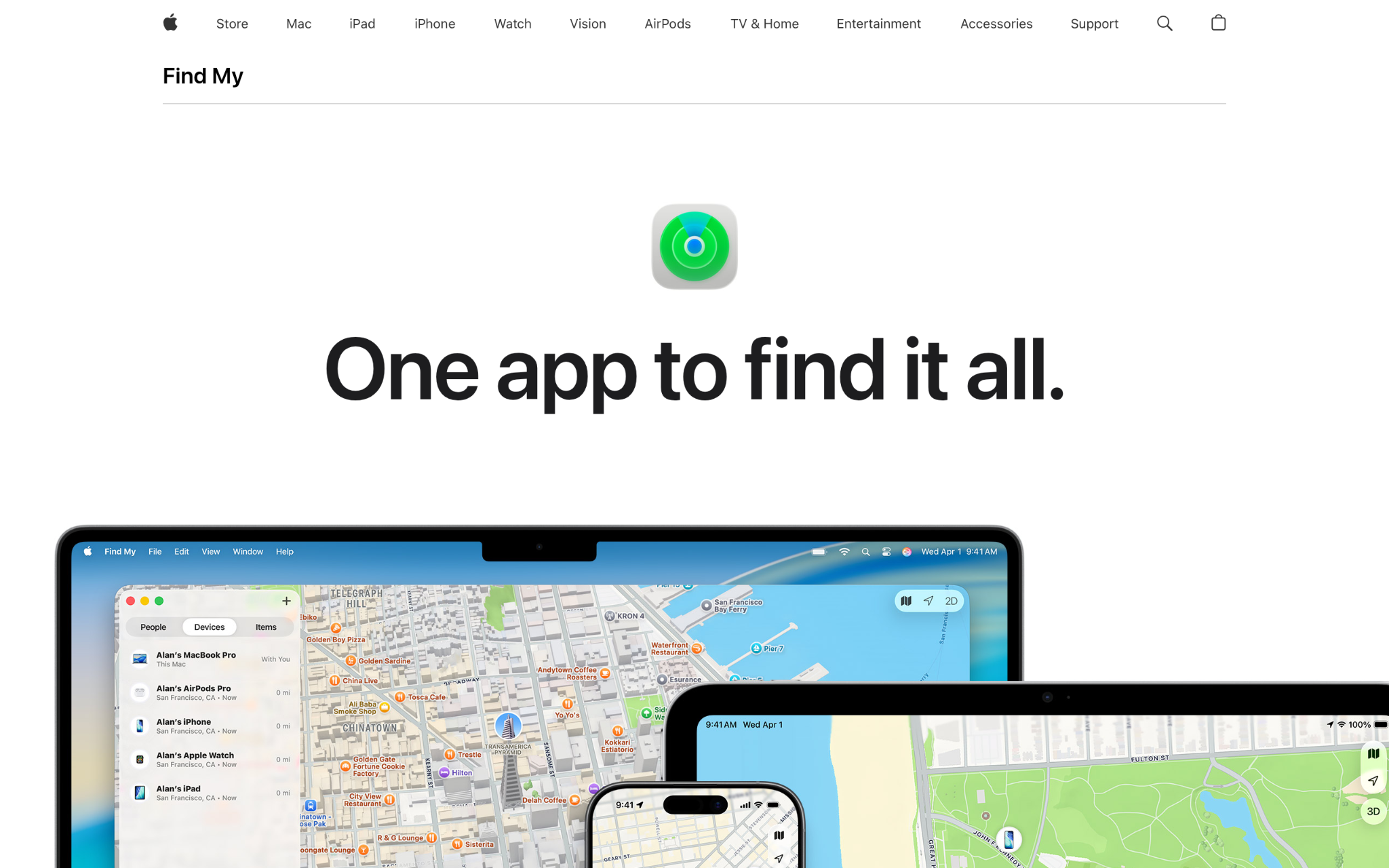
Apple Find My tracks iOS, iPadOS, macOS, watchOS, and visionOS devices, AirPods, AirTags, and supported third-party accessories through an iCloud account. The network behind it spans over a billion Apple devices worldwide, so lost items can be located even when offline through anonymous, encrypted location data. Families can share device locations with contacts and use Precision Finding to pinpoint people nearby. The 24-hour location data retention and built-in anti-stalking notifications (which alert users if an unknown device is following them) show real security thinking.
Why Does Apple Find My Stand Out for Family Tracking Apps?
Find My addresses something that most family tracking apps gloss over: what happens when a device goes offline. The billion-device network means location data keeps coming even without an active cell or Wi-Fi connection, which matters in exactly the situations families are most worried about.
What Users Are Actually Saying:
The consensus is clear. If your family runs entirely on Apple devices, this is the most frictionless option available because it’s already built in. Users appreciate the privacy transparency, and location data is encrypted and only kept for 24 hours. The limitation that surfaces in reviews is the obvious one (no cross-platform support for Android households), which makes it a strong pick for some families and a non-starter for others.
Methodology Behind These Picks
Gathering Information From Source Systems
Building the initial list started with pulling data from multiple independent sources: app directories, parenting review platforms, consumer safety publications, product-specific case studies, and official company websites. The goal was to cast a wide net across both well-known apps and newer entrants that showed strong engagement signals. Each candidate was logged with available data points, including feature descriptions, pricing details, company background, and platform availability. Apps that lacked any public-facing documentation about their safety features or company history were excluded from further consideration at this stage.
The Shortlist Cut
From the broader list, options were narrowed by removing any app lacking verified user reviews on recognized platforms or a documented history in the mobile safety space. Review patterns were examined for consistency, looking at whether positive sentiment held up over time or spiked artificially around launch periods. Apps with a thin review base, unverified claims about GPS accuracy, or unclear data privacy practices were filtered out. The shortlist kept only those with enough real-world user observations to draw meaningful conclusions about performance.
Fact-Checking the Picks
Each shortlisted app was cross-referenced by comparing what companies claim on their official websites against what actual users report in reviews. When a company advertises real-time location updates, the review data was checked to see whether users consistently confirmed that experience or flagged delays and inaccuracies. Feature claims around geofence alert delivery, panic alert response, and battery usage were all tested against user-reported outcomes. Any gap between marketing claims and review reality was flagged and weighted heavily in the final assessment.
Authority Signals and Industry Standing
Third-party signals were factored in alongside direct user reviews. This included industry awards such as the National Parenting Product Awards and Mom’s Choice Awards, mentions in parenting and safety publications, and any original research or published reports tied to a company’s platform. Security certifications such as SOC 2 Type II were also treated as meaningful signals of authority, particularly for apps handling sensitive location data for minors. Companies with documented recognition from outside parties were scored more favorably where user review data was limited.
Family Tracking Apps Track Record
The final evaluation looked at each app’s demonstrated experience in the family safety category. This meant checking for dedicated safety feature pages, documented use cases involving family monitoring, verified reviews from parents and guardians, and any published case studies showing real-world outcomes. Apps built primarily for enterprise or business use were assessed on whether their underlying technology translated meaningfully to family tracking scenarios. Only those with a clear, sustained presence in the mobile safety space for families made the final list.
Picking the Right Family Tracking Apps for You
Choosing between these apps comes down to what your family actually needs day to day, not just which one has the longest feature list. Here are the factors worth weighing before committing.
- Industry/Domain Experience: Look for apps with a proven track record in family safety. Longevity matters because apps that have survived iOS and Android update cycles year after year have worked out the bugs that newer tools haven’t encountered yet.
- Features and Service Options: Match features to your actual situation. A family with young children needs geofencing and panic alerts. A family with teenagers might prioritize privacy controls and social media monitoring over raw GPS tracking frequency.
- Pricing Structure: Free tiers vary quite a bit. Some apps offer genuinely useful free plans while others lock the most important safety features behind subscriptions. Factor in how many family members need to be covered and whether multi-device pricing makes sense.
- Results Measurement: Consider how you’ll know the app is working. GPS location update speed and geofence alert delivery accuracy are the two metrics that matter most for real safety use cases.
- Industry Knowledge and Compliance: Apps that handle location data for minors must comply with COPPA, GDPR, CCPA, and applicable state-level child-safety regulations. Check privacy policies for clear language about data retention and third-party sharing before trusting any platform with your family’s location data.
The Verdict
Family tracking apps have matured a lot, and the best options now balance genuine safety features with real privacy protections. iSharing leads on affordability and GPS reliability, Microsoft Family Safety wins for multi-platform households, and FamiSafe goes deepest on content monitoring. Apple Find My is the cleanest pick for Apple-only families, while Glympse brings a strong privacy architecture. As location-sharing technology keeps advancing, expect tighter GPS accuracy and smarter alert systems to become the baseline standard across all these platforms.