
Why Your Small Business Newsletter Lands in Spam
Your small business newsletter can land in spam because of missing authentication, weak sender reputation, unwanted messages, or suspicious content. Improving email deliverability starts with finding which problem is affecting your messages.
When you’re balancing customers, family, and business growth, another technical task can feel overwhelming. The good news? You can work through this in manageable steps, starting with what your sending reports reveal.
Key Takeaways
- Separate rejected emails from messages accepted but placed in spam.
- Fix authentication before changing your newsletter design.
- Send to people who gave permission, and stop mailing invalid or consistently inactive addresses.
- Monitor complaints, bounces, and inbox placement rather than relying on open rates alone.
Understand Email Deliverability Before Changing Anything
Email delivery means the receiving server accepted your message. Email deliverability concerns whether that accepted message reached the inbox.
Your platform’s “delivered” figure usually excludes rejected messages. It doesn’t tell you how many accepted messages went to spam.
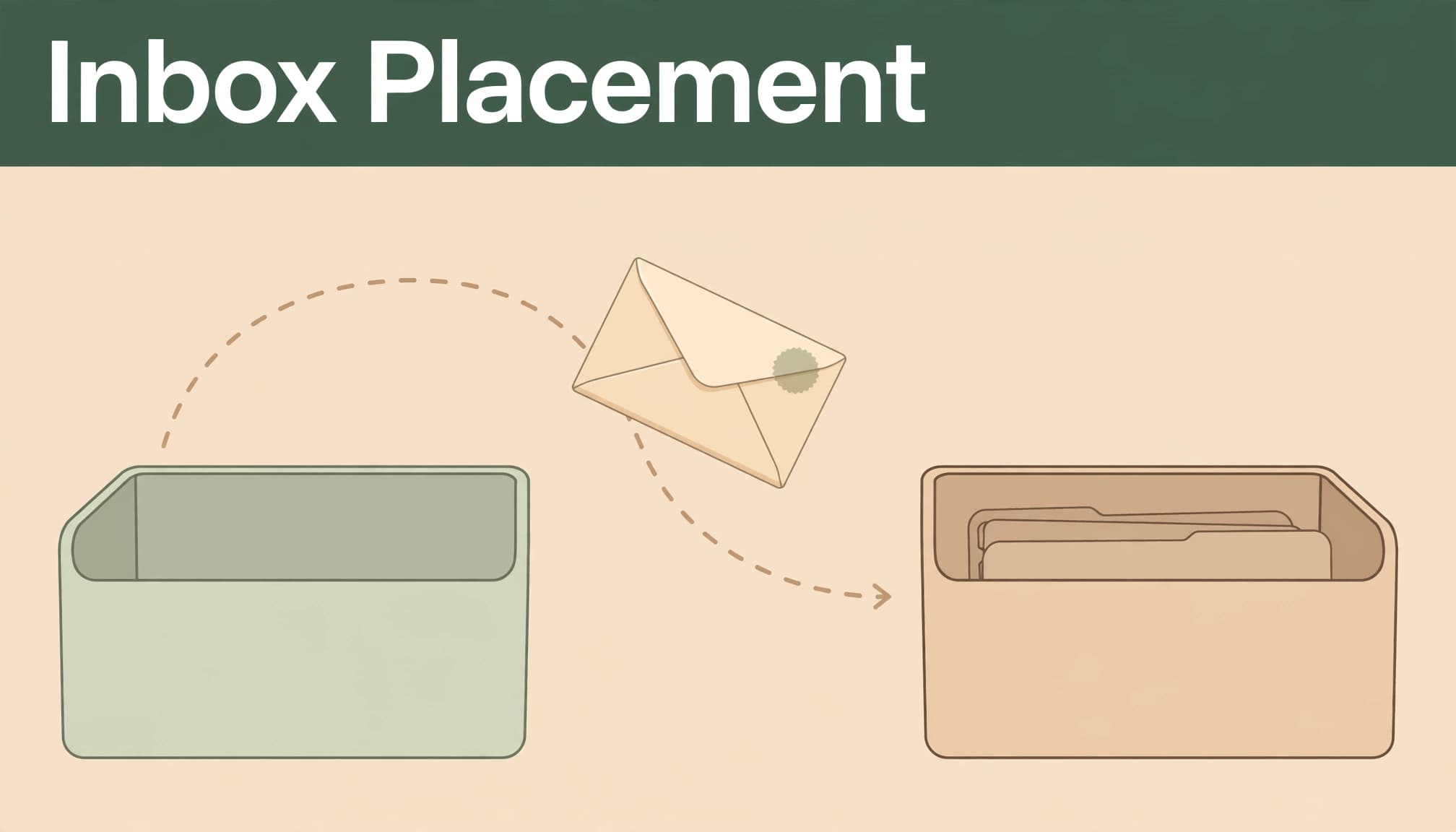
Inbox placement rate (IPR) measures inbox placement. For seed tests, divide inbox placements by delivered test messages, then multiply by 100. An 85% result means 85 of every 100 delivered test messages reached test inboxes. It estimates placement, rather than measuring every subscriber’s experience.
Validity describes at least 85% as good, 98% to 99% as ideal, and below 70% as needing improvement. It also reports that roughly one in six emails doesn’t reach the inbox. Those are benchmarks, not promises.
Start With the Reports, Not the Subject Line
Separate delivery failures from spam placement
Compare your last healthy campaign with the first troubled one to see whether email delivery failed or accepted messages landed in spam. Look for changes in sending volume, signup sources, platform, domain, or template.
Review bounce rate reports by mailbox provider. Customer.io recommends keeping the overall rate below 5%, ideally below 2%.
SMTP codes beginning with 5 usually indicate permanent failures; codes beginning with 4 usually indicate temporary failures. Read the accompanying explanation: an invalid mailbox can be a hard bounce and needs suppression, while a policy rejection needs investigation.
If acceptance remains high but subscribers report spam placement, investigate sender reputation, authentication, and engagement.
Review reputation and complaint rates
The Google Postmaster Tools dashboards help reveal Gmail complaints, authentication problems, and reputation patterns. Small senders may have insufficient volume for complete reporting.
Customer.io warns that complaints above 0.10% can hurt IP and domain reputation. Klaviyo flags abuse rates of 0.05% as risky with Gmail, Hotmail, and Yahoo.
These aren’t competing universal limits. Providers calculate and interpret spam complaint rates differently. Google advises staying below 0.1% and avoiding 0.3% or higher.
Treat rising spam complaints as a reason to review permission and relevance, rather than waiting to cross a threshold.
Fix SPF, DKIM, and DMARC First
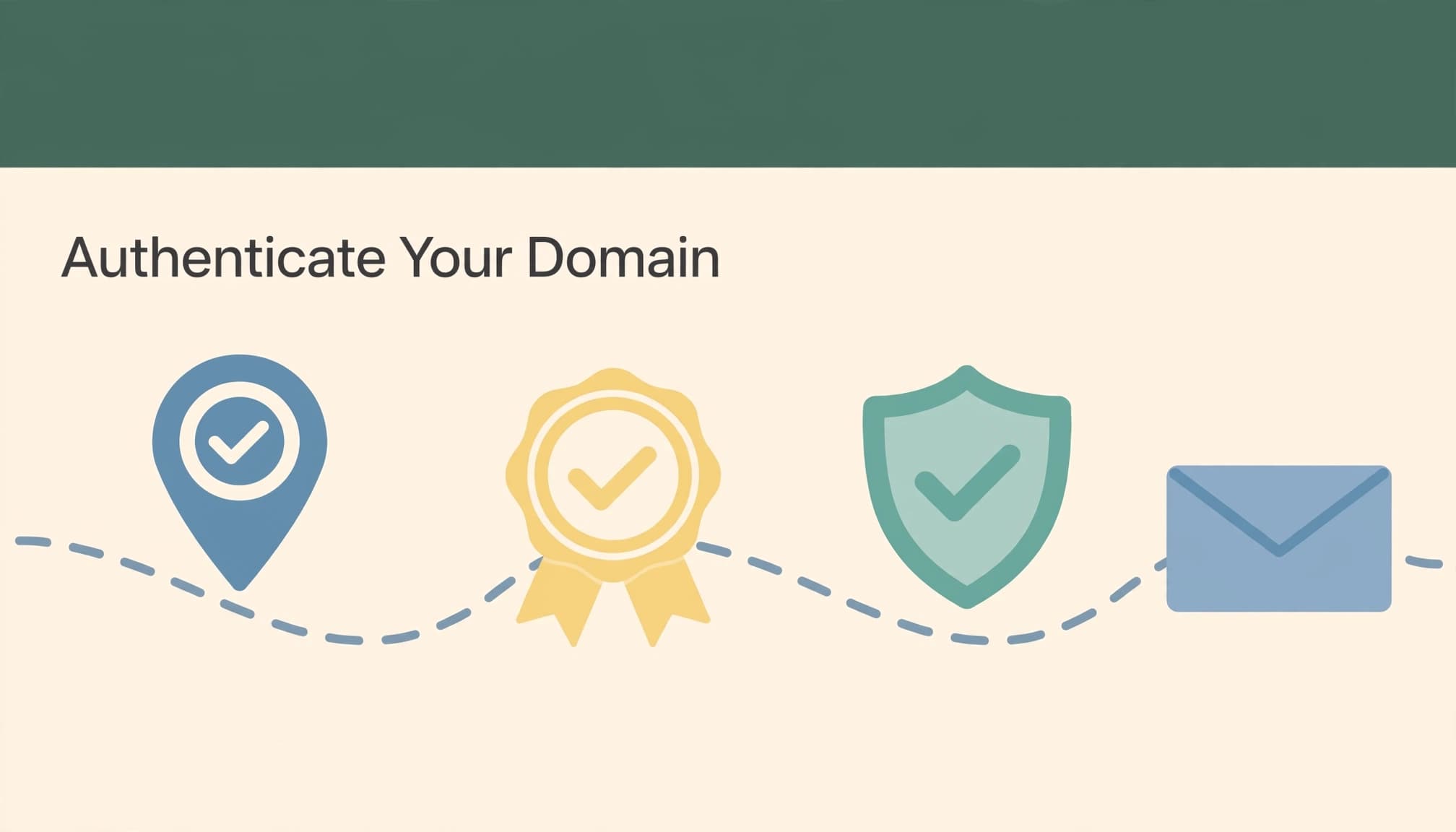
Give your domain its three identity checks
SPF lists which IP addresses may send for your domain. DKIM adds a digital signature that receiving systems verify using a public key in your domain’s DNS records.
DMARC builds on SPF and DKIM. It checks whether the visible From domain aligns with an authenticated domain and publishes instructions for failures:
p=nonerequests monitoring without enforcement.p=quarantineasks receivers to treat failures as suspicious.p=rejectasks receivers to reject failures.
Together, these email authentication checks help receiving systems verify who sent a message and whether the sending domain aligns with the visible From address.
Use your email platform’s domain-authentication setup to add the required DNS records. Review legitimate sending services before moving to enforcement, so newsletters, receipts, and business messages remain authenticated.
Meet Gmail and Yahoo requirements
Gmail and Yahoo began introducing stronger sender requirements in February 2024. Google’s email sender guidelines include additional rules for bulk senders reaching about 5,000 or more personal Gmail messages daily.
Bulk senders need SPF, DKIM, DMARC, and From-domain alignment. Use a branded sending domain connected to your business, rather than a personal Gmail or Yahoo From address.
Marketing messages also need one-click unsubscribe support and a visible unsubscribe link. Yahoo’s sender best practices likewise emphasize authentication and responsible sending.
Authentication supports trust. It doesn’t guarantee inbox placement.
Protect Your List With Permission and Care
Start with people who asked to hear from you
A customer inquiry, referral, or exchanged business card doesn’t automatically create newsletter permission. Explain what subscribers will receive and how often you’ll send it.
Double opt-in adds confirmation before subscription. Validate addresses at signup, and use list cleaning to remove invalid contacts. This ongoing list hygiene keeps your audience current. Never buy lists.
Purchased and neglected lists can contain spam traps, email addresses used to identify poor sending practices. Recycled traps are old addresses repurposed for this purpose. Pristine traps were never genuine subscriber addresses. Both can contribute to a blocklist.
A lead magnet that attracts relevant subscribers helps you grow around a shared need. Make the ongoing newsletter invitation clear before someone signs up.
Give inactive subscribers a thoughtful exit
Customer.io suggests sending to contacts who opened or clicked within four months, with a sunset policy after six months without either action.
Use those windows as starting points. Apple Mail Privacy Protection can inflate recorded opens, so include clicks, replies, purchases, and stated preferences when assessing interest.
If the relationship has gone inactive, send a brief permission reminder when appropriate, then add nonresponders to your suppression list and stop marketing to them. Keep necessary transactional messages separate.
Your list doesn’t need to be the largest in your community. It needs people you can serve well.
Send Consistently and Increase Volume Gradually
Choose infrastructure that fits your business
On a shared IP, other senders’ behavior can affect the sending reputation you share. Your domain reputation still matters.
A dedicated IP puts you in charge of its sender reputation, costs more, and requires IP warming. Validity highlights those trade-offs. Salesforce recommends dedicated IPs above 100,000 emails monthly, though consistency matters alongside volume.
For a smaller newsletter, a well-managed shared IP often makes more sense. Buying a dedicated IP won’t repair missing permission or unwanted messages.
Match warm-up to what changed
HubSpot’s Dedicated IP Add-On uses an automated 40-day warm-up. After a domain or email service provider change, HubSpot advises starting small and increasing volume over 30 to 60 days.
Klaviyo notes that reaching 100,000-message volume can take as little as 10 days. However, mailbox providers may take up to 30 days to assess reputation, with performance fluctuating for around 120 days.
Those timelines describe different situations, not interchangeable schedules. On an established shared IP, your new domain still needs a trustworthy sending history.
Start with recently engaged subscribers, expand gradually, and pause increases when complaints or bounces rise. Keep a rhythm you can maintain through busy seasons.
Make Your Newsletter Easy to Recognize and Read
Your sender name should identify your business clearly. Match the subject line to the message, and avoid misleading urgency.
Validity flags all-caps subjects, repeated exclamation points, and words such as “free,” “buy,” “earn,” “prize,” and “winner.” Context matters: these signals can concern spam filters, but one ordinary word isn’t an automatic trigger or guaranteed explanation for spam placement.
Klaviyo cites research reporting that 85% of recipients prefer lowercase subject lines. That’s a preference finding, not an inbox-placement rule.
Customer.io suggests keeping images at no more than 40% of content and limiting calls to action to three or four. Klaviyo cites Email on Acid guidance recommending at least 500 text characters. Treat these as design guidelines, not guaranteed filter formulas.
Use readable text, meaningful image descriptions, and direct links instead of URL shorteners. Give readers one main next step.
Our email welcome sequence guidance starts with delivering the signup promise. Keep that same care in regular newsletters, and prevent welcome subscribers from receiving overlapping promotions.
Monitor Progress Without Adding Another Full-Time Job
Set aside a short weekly review for delivery errors, complaints, unsubscribes, and inbox placement. Track engagement rate and click-through rate as response signals, but treat them as secondary. Privacy protections can make open rate unreliable, so compare results by mailbox provider and signup source.
You can set up Postmaster Tools for Gmail reporting. Microsoft SNDS provides IP-level information, while Yahoo’s complaint feedback loop helps identify complaints. Your email platform may manage some reporting for you.
MxToolbox and EasyDMARC help investigate authentication and DNS. Sender Score offers reputation information. GlockApps tests inbox placement; Mail Tester and SpamAssassin help identify message concerns. The older 250ok product became part of Validity’s offerings, now associated with Everest.
You don’t need every tool. Start with platform reports and mailbox-provider data, then investigate the problem those reports reveal.
A low complaint rate doesn’t prove healthy inbox placement. Messages already filtered into spam have fewer opportunities to receive inbox-based complaints.
Frequently Asked Questions
Is Gmail’s Promotions tab the same as spam?
No. Promotions is an inbox category. A newsletter placed there reached the inbox, even if it didn’t appear in Primary. Measure spam-folder placement separately, and don’t treat every Promotions placement as a delivery problem.
Should I resend a newsletter that went to spam?
Avoid immediately resending the same campaign to everyone. That adds volume before you’ve addressed the cause. Resolve authentication failures, suppress invalid addresses, and review complaints first. Resume with engaged subscribers, then increase sending as results support it.
Build Inbox Trust One Step at a Time
Better email deliverability grows through consistent follow-through: authenticated sending, clear permission, relevant messages, and attention to subscriber response. No setting or subject line can promise every inbox.
Start with your latest campaign report and fix the clearest problem first. You can protect the invitation someone gave your business without turning email management into another overwhelming responsibility.