
Choose a Payment Processor for Your Service Business
Choose a payment processor by matching it to how clients pay, then comparing total costs, payout timing, and billing tools. The right fit should help you collect money without adding hours of administrative work.
When you’re balancing appointments, client projects, and family responsibilities, payment convenience should fit your workflow, and your payment processor should match how clients prefer to pay. Start with your payment routine before comparing advertised rates.
Key Takeaways
- Compare total monthly costs, not just the advertised transaction percentage.
- Match payment methods to your services, invoice sizes, and sales volume.
- Prioritize dependable payouts, useful integrations, and clear dispute procedures.
Understand the processor, gateway, and merchant account
A payment processor routes transaction information between your business, the customer, the card network, and the issuing and acquiring banks. The issuing bank serves your customer; the acquiring bank supports your business’s card acceptance.
These services perform different jobs, although one provider often bundles them.
| Service | What it does |
|---|---|
| Payment processor | Routes payment information and coordinates authorization and settlement. |
| Payment gateway | Securely captures and checks online payment details before passing them to the processor. |
| Merchant account | Receives card-payment proceeds before payout to your business bank account. |
You don’t necessarily need three separate vendors. “Payment processor” isn’t a universal legal category. Providers may describe themselves as a payment service provider, merchant services provider, or acquirer.
How a card payment reaches your bank
An approved transaction doesn’t mean the money has reached your account. The OCC’s merchant processing handbook distinguishes authorization, clearing, and settlement.
- Your client taps a card, uses a mobile wallet, or enters details through a secure payment page.
- For debit card payments, the processor routes the request through Visa or Mastercard to the card issuer. Checks can include billing ZIP code, CVV, or PIN, plus available funds or credit.
- The issuer approves or declines the payment. Approval generally creates an authorization hold, rather than transferring money.
- Your business captures the charge, often through an automatic batch close at day’s end. Clearing and settlement then move funds between the financial institutions.
- The provider pays the proceeds into your business account according to its payout schedule.
Capture, settlement, and bank availability are separate stages, which matters when you’re planning payroll or buying supplies.
Match payment options to your service routine
In-person and mobile payments
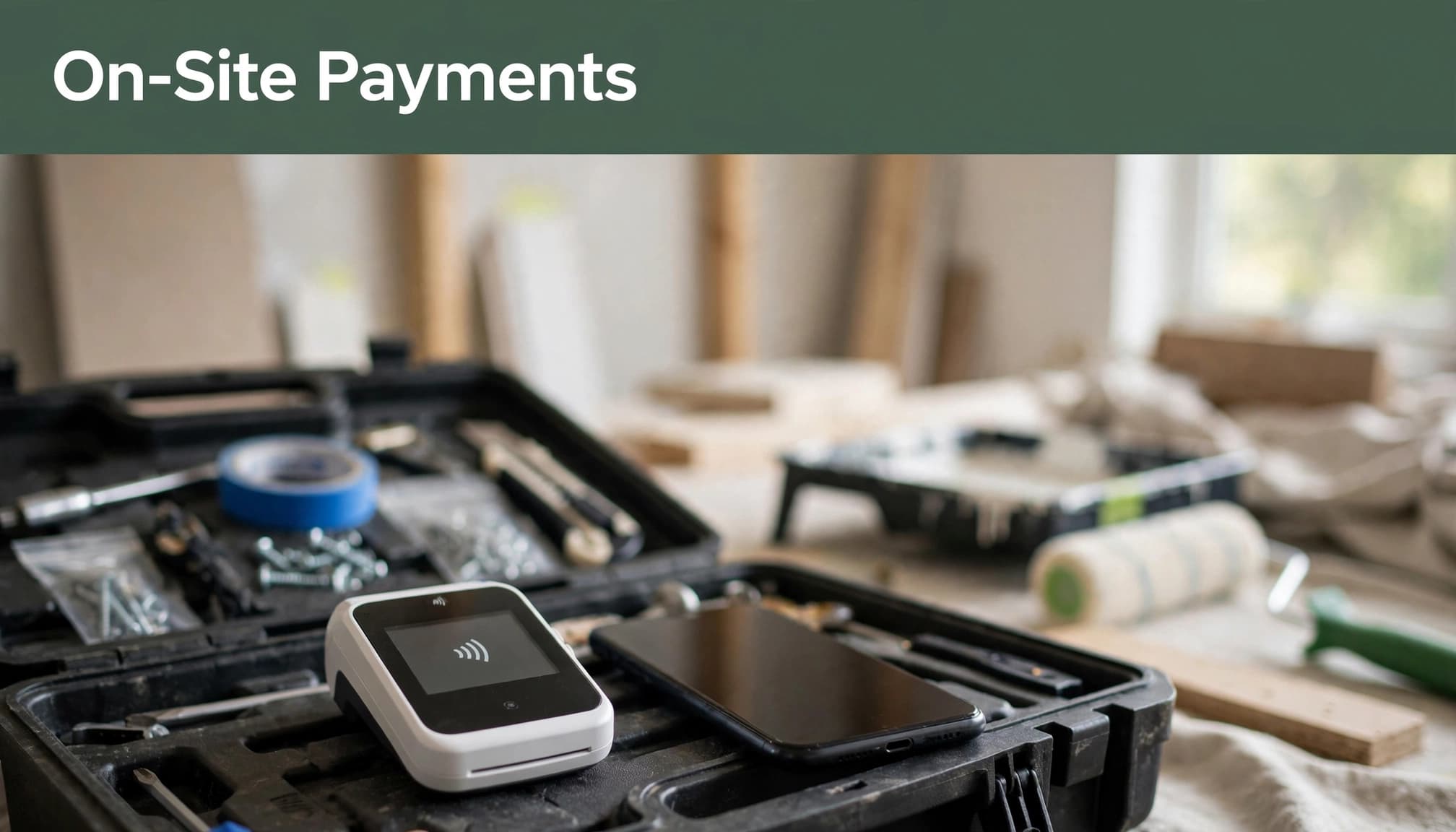
Contractors and repair professionals need a checkout that works at the jobsite. Compare portable POS terminals, card readers, Tap to Pay compatibility, mobile connectivity, and receipt delivery. Offline acceptance carries additional risk because authorization may happen later.
For personal-care providers, connect checkout with appointments, deposits, and cancellation policies. Square combines payments with scheduling and invoicing tools, making it a useful starting point for appointment-based businesses.
Clients should see the amount clearly, recognize your business name, and receive a receipt without unnecessary steps.
Invoices, bank payments, and recurring charges
Consultants often need deposits, milestone invoices, and retainers more than a countertop terminal. PayPal supports online invoicing, while Stripe offers payment links, invoicing, and recurring-billing tools.
For larger invoices, ACH payments can reduce costs. Stripe’s published pricing lists ACH Direct Debit at 0.8%, capped at $5. However, bank payments have different confirmation, return, and availability timelines than cards.
For recurring services, prioritize customer authorization, secure saved-payment details, failed-payment reminders, and straightforward cancellation. A payment plan should state the total price and due dates before work begins.
Choose the right account model
Aggregators offer a simpler starting point
Square, Stripe, and PayPal commonly use shared merchant arrangements through a payment aggregator, a type of third-party payment processor. This model usually simplifies onboarding with standard pricing and fewer initial steps.
However, fast onboarding doesn’t eliminate underwriting. Providers can review activity afterward and impose reserves or holds when transaction patterns raise concerns, including unusually large deposits or sharp volume increases.
Dedicated merchant accounts offer more customization
Traditional acquiring arrangements through providers such as Fiserv, formerly First Data, and TSYS can include dedicated merchant accounts. Applications typically involve more upfront review of ownership, financial history, industry, and expected sales.
These accounts often support interchange-plus pricing and negotiated terms. They can suit established businesses with steady volume, but monthly fees may outweigh savings for occasional payments.
Choose based on your actual activity, not a promise that one account model always costs less.
Compare total processing costs

Understand the pricing model
Flat-rate pricing applies a stated percentage, often plus a fixed amount. Square’s published processing fees include 2.6% plus $0.15 for standard in-person payments and 3.3% plus $0.30 for online or invoice card payments. Plan-specific rates differ.
Interchange-plus pricing separates card-network costs from the provider’s markup. It offers more visibility and can lower costs at higher volumes, usually through a dedicated merchant account. However, compare the full monthly bill before assuming savings.
Compare credit card processing for in-person payments, invoices, manually entered cards, and international cards, since transaction fees can differ by payment type.
Calculate an ordinary month and a busy month
At Square’s 3.3% plus $0.30 invoice rate, 100 payments of $200 produce $20,000 in sales. Percentage fees total $660, and fixed fees add $30. Processing costs $690, or 3.45% of sales, before other charges.
For each candidate, add monthly software charges, hardware purchases or leases, paid integrations, instant-payout fees, and expected dispute costs. Include refund treatment, because providers may retain original processing fees.
Then divide total payment-related costs by processed sales to find your effective rate. Run the calculation for both normal and busy months.
For international clients, also include foreign-card surcharges and currency conversion. Small transactions deserve attention, too, because fixed per-payment fees consume a larger share.
Separate payout speed from payment approval
Card proceeds commonly reach a business bank account within one to three business days, but that isn’t guaranteed. Initial payouts, weekends, holidays, reserves, or risk reviews can cause funding delays. A provider’s advertised transfer speed doesn’t guarantee when funds will be available in your bank account.
Square advertises free next-business-day external-bank transfers and optional paid instant transfers. So don’t assume every aggregator takes at least 48 hours or every dedicated account guarantees next-day funding.
A faster payout option doesn’t remove a reserve or account hold. Budget around money available in your bank account.
Your receiving account matters, too. Our guide to choosing a business bank account covers account access and payment-related fees.
Protect customer data and your earnings
Choose secure payment handling
Select a PCI DSS-compliant provider with tokenization, which replaces stored card details with substitute values. This supports recurring payments without putting raw card numbers in your own records.
A provider’s PCI DSS compliance doesn’t remove your responsibilities. Many small merchants validate compliance annually through an appropriate Self-Assessment Questionnaire. The PCI Council’s merchant resources explain SAQ eligibility and payment-security responsibilities.
For fraud prevention, use hosted payment pages, multi-factor authentication, and separate staff permissions. Never collect card details through ordinary email or text.
Prepare for chargebacks before they happen
A chargeback is a cardholder dispute handled through the banking system. Compare dispute fees, response tools, deadlines, and access to human support before choosing a provider.
Keep signed scopes, deposit terms, appointment records, approvals, and proof of delivery. These records should address the customer’s stated complaint.
If a dispute arrives, respond through the processor before its deadline, even if the customer promises to withdraw it. Also, coordinate refunds through that case to avoid paying twice. Record disputed funds, holds, and fees separately.
Use this practical comparison checklist
Start with your last three months of sales: transaction count, average invoice, monthly volume, and payment methods. Then compare each payment processor against the same requirements.
- Price your actual mix of in-person, invoice, recurring, and bank payments.
- Include subscriptions, hardware, dispute charges, refunds, and payout fees.
- Match accounting, scheduling, and invoicing connections to your exact software plan.
- Review customer support hours, payout rules, reserves, cancellation terms, and data exports.
- Walk through checkout, receipts, refunds, and failed-payment recovery on a phone.
For accounting, QuickBooks Online, Xero, FreshBooks, and Wave connections need more than a sales import. Your records should separate gross sales, processing fees, refunds, and net deposits without duplicating income. Our guide to choosing a small business bookkeeper covers that reconciliation work.
Some payment processing contracts run around three years and include early termination fees. Hardware leases may have separate obligations, so treat both as part of the commitment.
Frequently Asked Questions
Which payment processors should a service business compare?
Square is a practical starting point for mobile checkout and appointments. Stripe suits businesses that need flexible online payments and recurring billing. PayPal is another option for invoices and familiar customer payment methods. Compare equivalent features and payment channels rather than brand names alone.
Can you be your own payment processor?
Technically, yes, but operating processing infrastructure requires banking relationships, card-network access, security controls, compliance, and substantial investment. A small service business generally gains more by choosing a provider than building that infrastructure.
How do you switch without disrupting clients?
Export transaction records and reconcile pending payouts first. Move payment links and integrations, then test checkout and refunds. Saved-card tokens may require a supported migration rather than a normal export. Keep access to old records for refunds and disputes.
Choose a setup that supports your work
The right payment processor fits how you earn, what clients need, and when your business needs access to cash. A low advertised rate only helps when the full cost and daily workflow also make sense.
Compare a normal month and a busy one before committing. Choose the setup that lets you collect payment confidently while protecting your time and income.